The screen-free coding robot where the coding becomes real maths
Children build the program by hand, from tokens on the board, and the robot runs it. The difference is how far that program goes: not a fixed step and a couple of set turns, but any distance, any angle, and real arithmetic, so the coding here runs into real mathematics. One robot carries a child from age four, and ten is not the limit.
How PrimaSTEM works
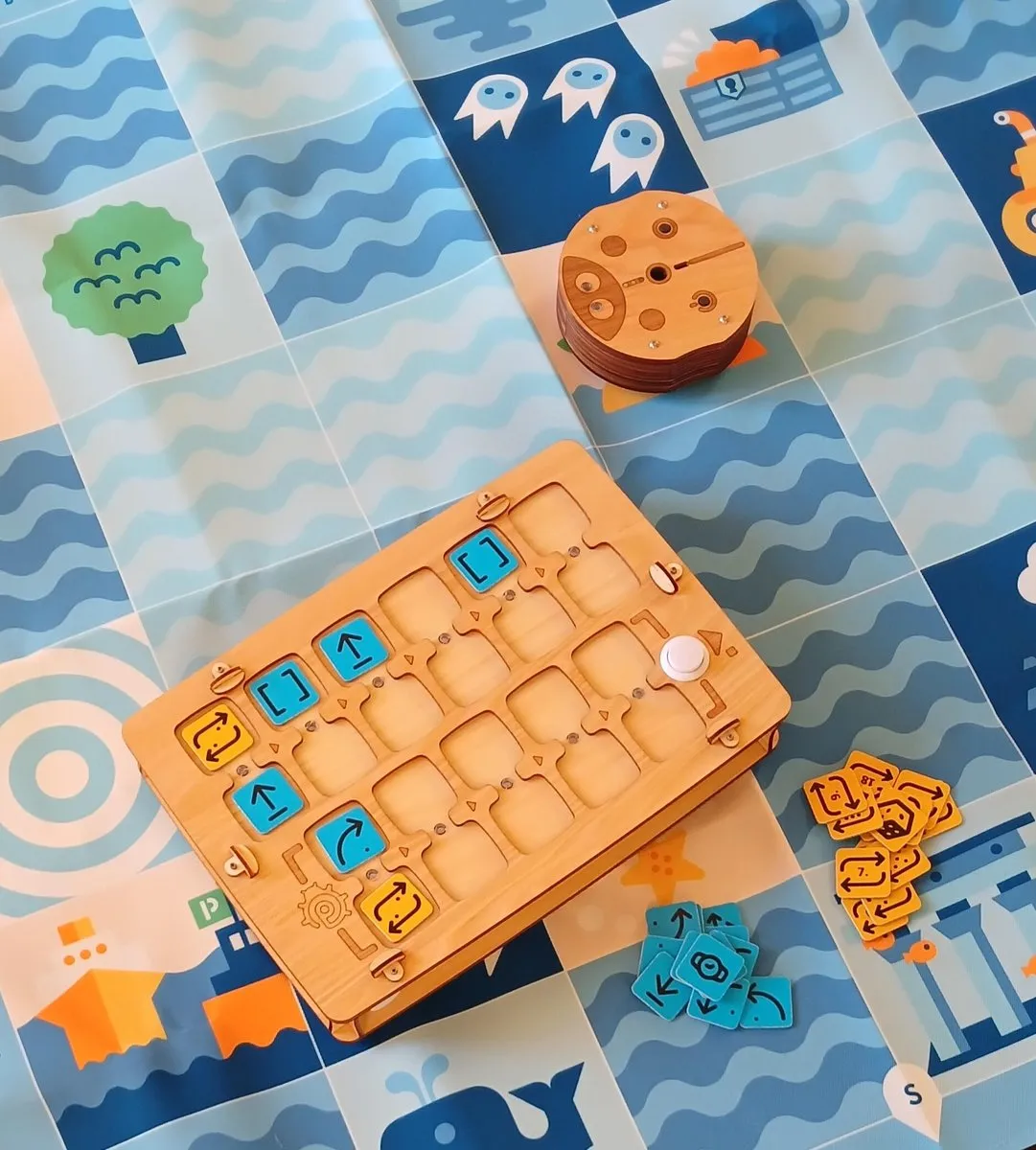
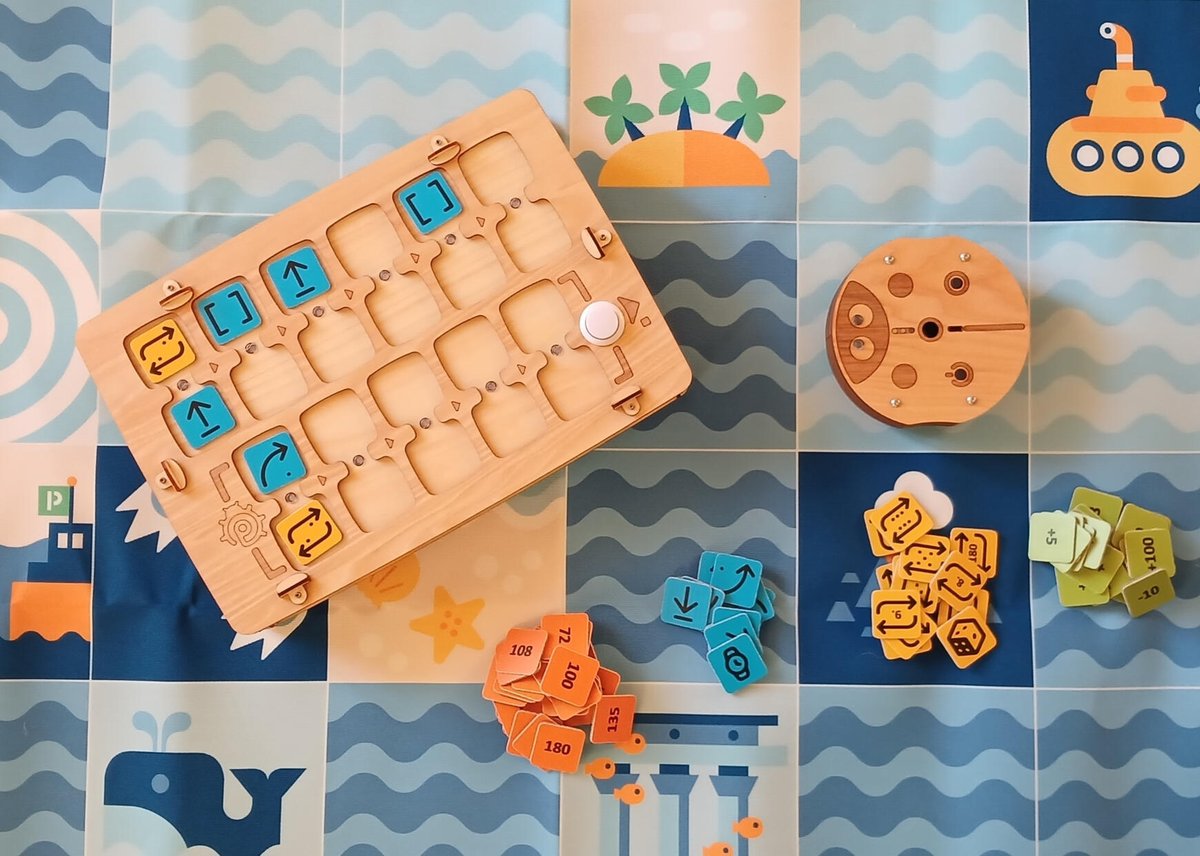
Place tokens left to right. Green LED - command accepted. The board speaks the command aloud.
Press "Start." The robot runs the program. LEDs show which command is running.
The robot runs the program, and you see the result right away.
Video recorded with a prototype. Final product may differ.
The whole program is laid out in the open: the child sees it, touches it, rearranges it.
A wrong step, and the child finds it on their own. If a marker is inserted, the mistake shows up right away on the paper. This is how children learn to fix mistakes, not fear them.
Try it now: the PrimaSTEM web simulator works right in your browser.
Two levels - one device
Ages 4–7: Logic
Simple commands and numbers, 90° turns. Forward, backward, left, right, function, repeat.
Mazes on color-coded maps. Planning, sequences, debugging, counting.
Functions and loops show up here too: "Instead of writing it five times, tell the robot: repeat."
Ages 7–10+: Mathematics
Precise distances in mm and any angle in degrees: 1°–360°. Arithmetic: +, −, ×, ÷, √, ^. Negative numbers. Progressions.
Insert a marker, and the robot draws what the child programmed.
And it doesn't stop at ten: with Scratch, older kids keep programming the same robot with blocks.
The robot draws what the child programmed
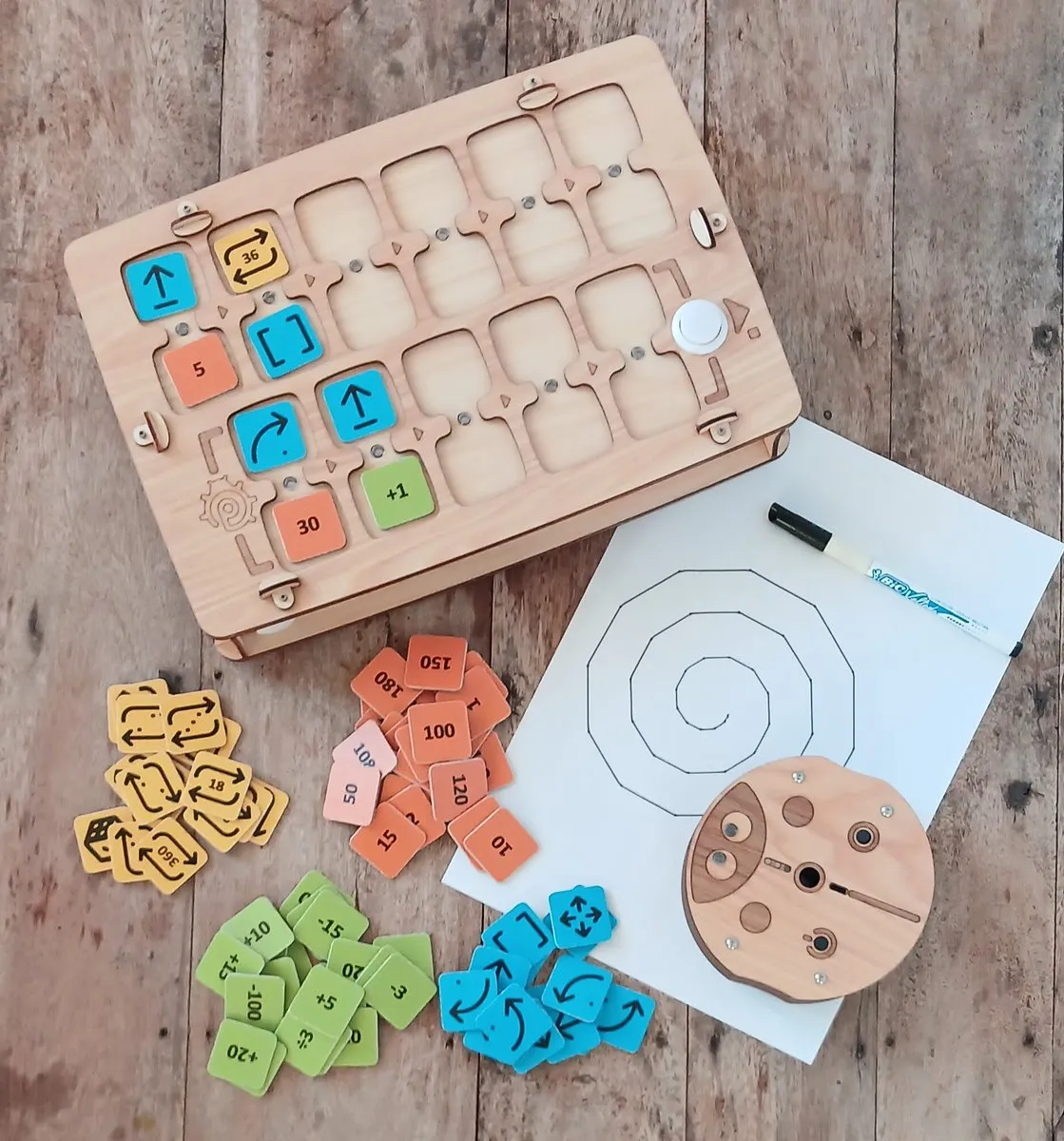
Insert a marker, and every move leaves a line. Forward 50, Right 144, Repeat 5 = a star. Add an arithmetic progression, and the star becomes a spiral: the child sets the angles and distances, and the robot runs the program exactly.
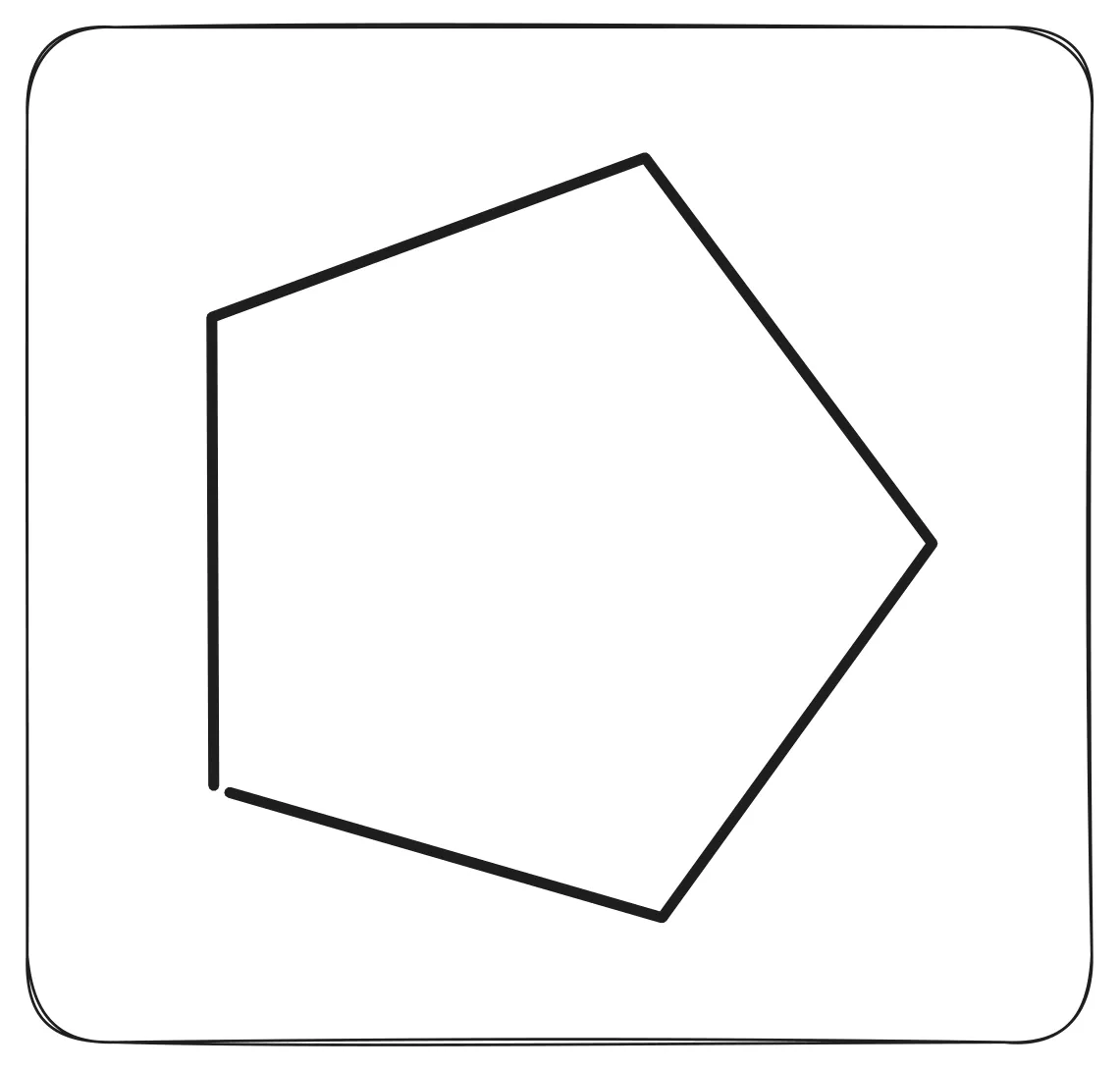
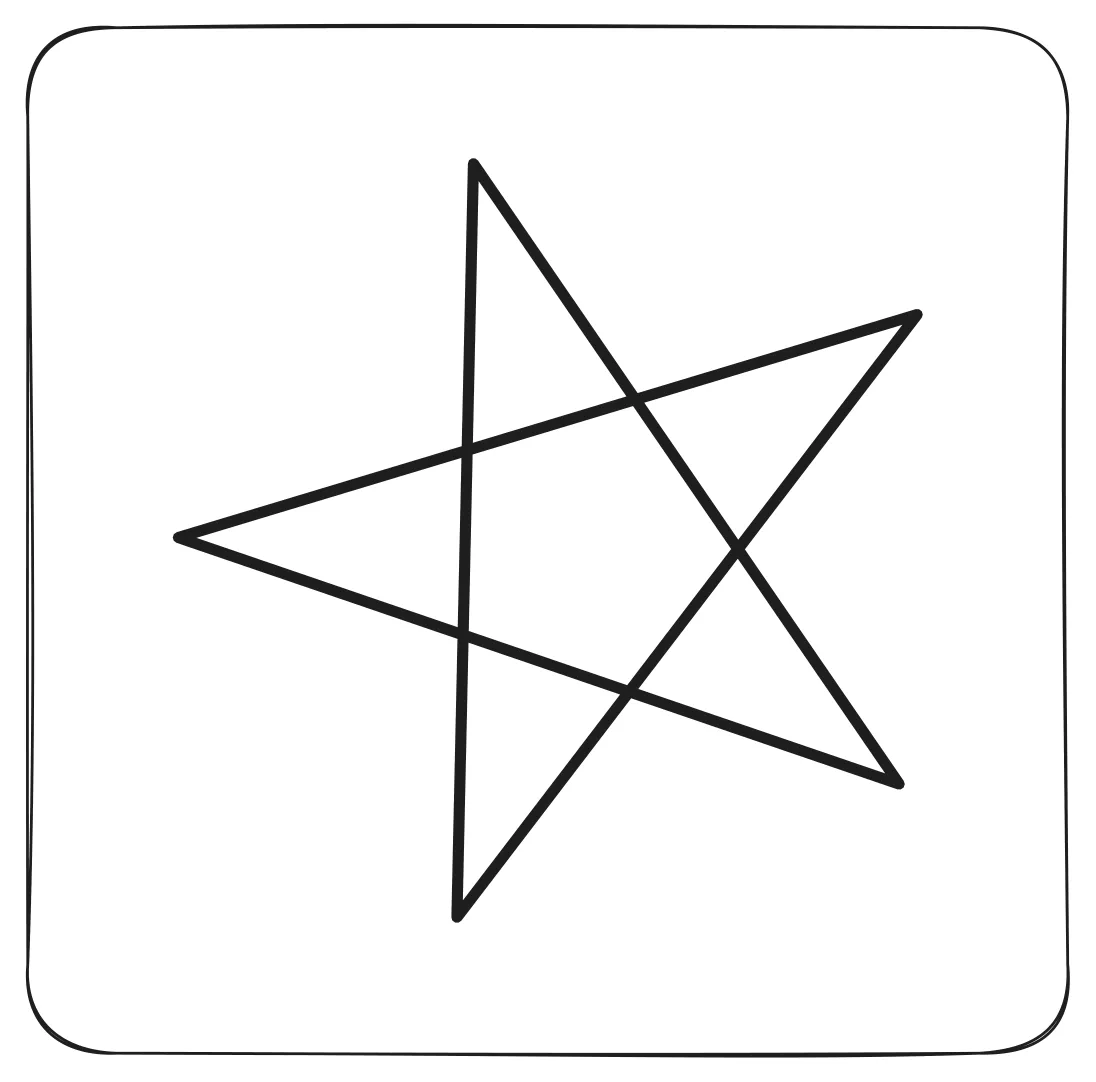
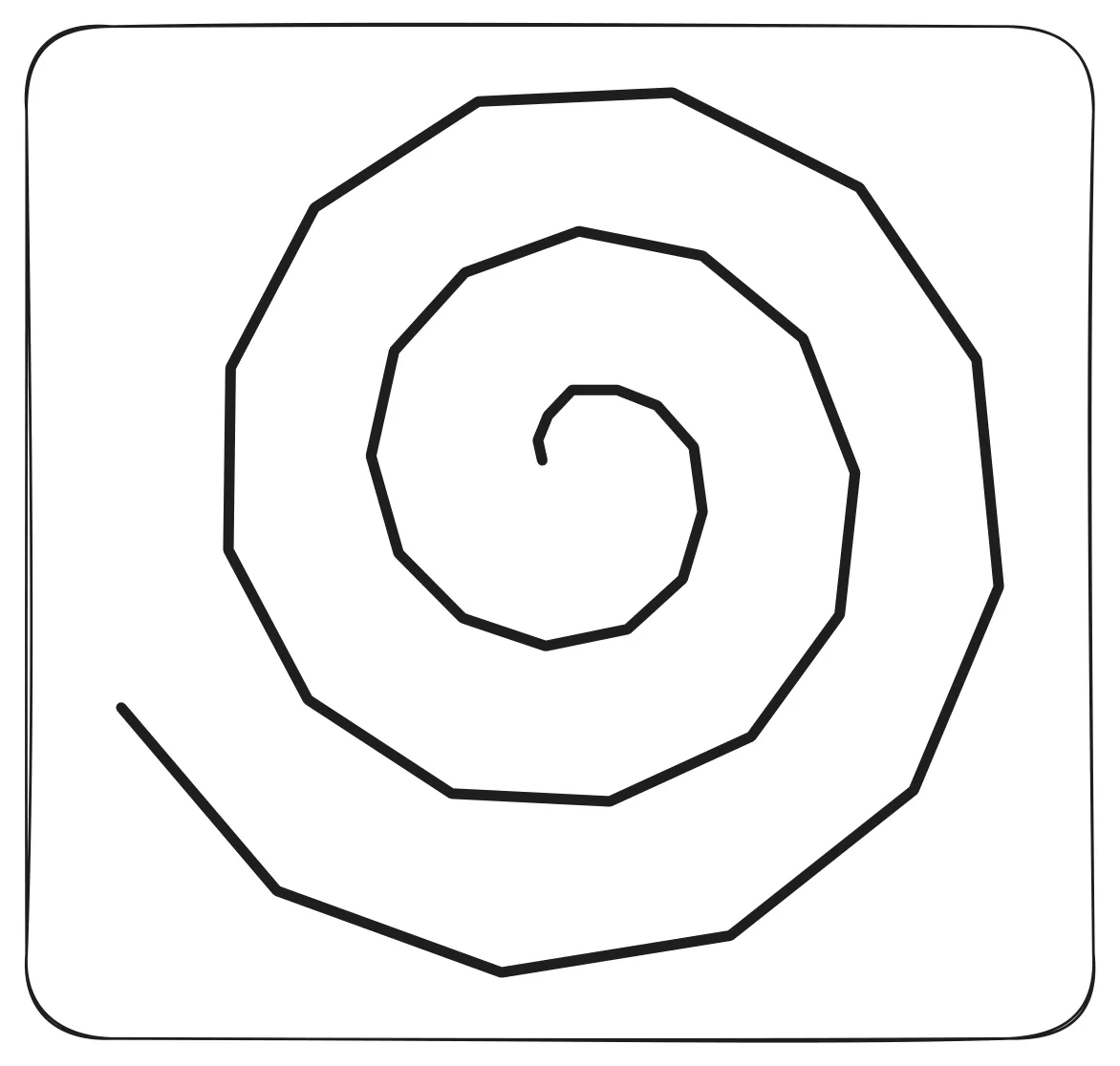
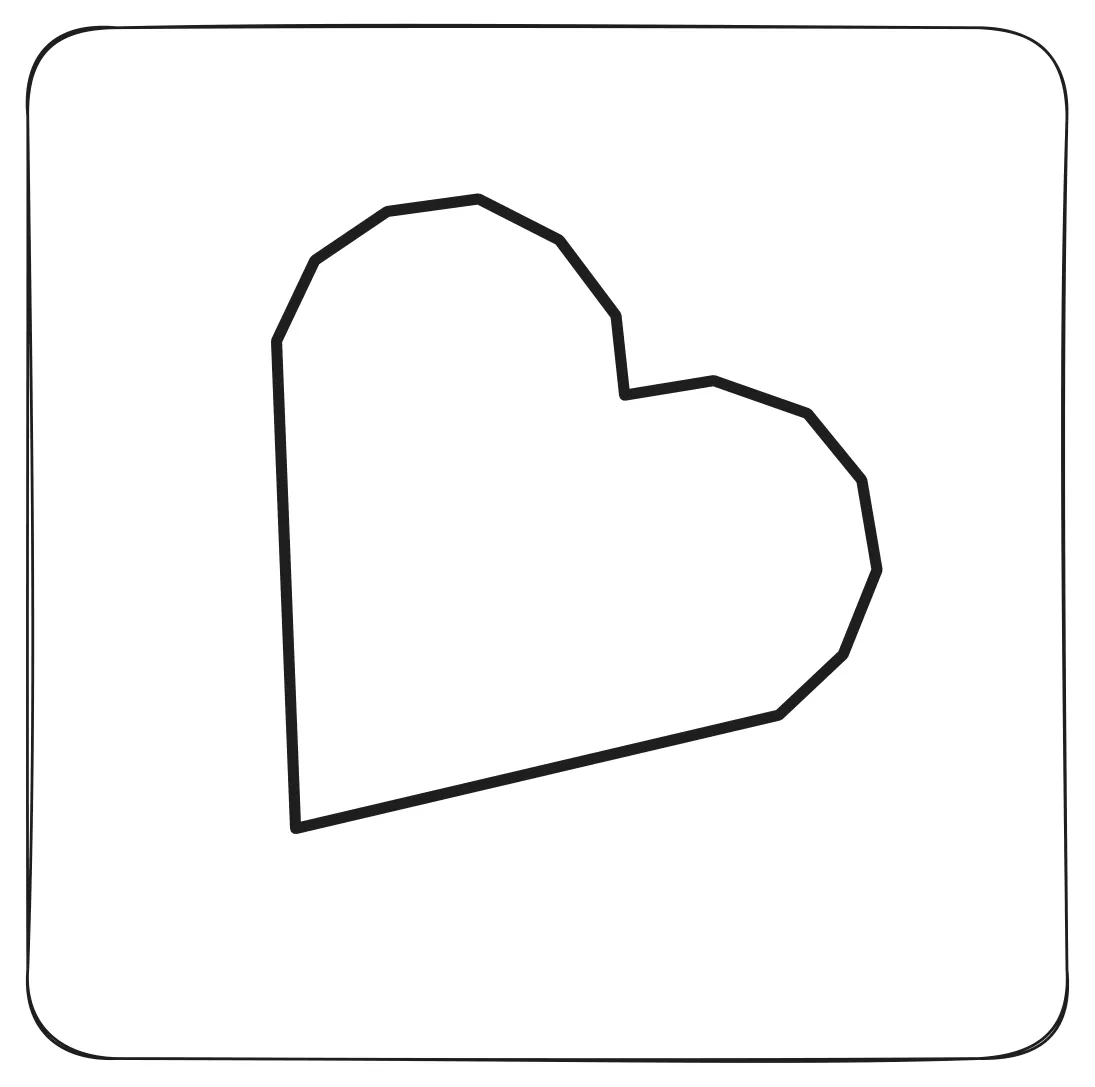
The robot drew these with a marker, from a program built out of tokens. Look closely at the spiral: no other screen-free robot can draw it.
Lessons included
You don't need to know how to code. Every kit comes with ready-made lessons for the youngest kids, in the spirit of LOGO and Montessori: short tasks, one small step at a time, everything explained along the way.
Inside: goals, materials, and a step-by-step plan, plus pages to print. Open it and teach the lesson the same day, no evening prep needed.
It's all online, in several languages, and you can look through it before you even order. Full documentation at docs.primastem.com.
Everything is in the base kit: no paid packs, no second budget for extras.
A lesson that adds no screen time
No tablet, no app: the child works with their hands, and the board names each token out loud. An hour with PrimaSTEM adds nothing to screen time.
Schools are already moving this way: France banned phones in schools by law in 2018, and the Netherlands has banned them since 2024, including primary school.
Works with the maps and lesson plans you already have
Already using another robot? Everything it does, PrimaSTEM does the same way: forward, backward, turns, repeat, function. For us that's the younger level, so your plans and maps work as they are, no retraining and no new materials needed.
Voice, words and music
The board speaks each token as it's placed, both commands and sounds. Helps children who can't read yet, and children with visual or attention difficulties.
When the program runs, the board sends the sounds to the robot, and the robot plays them: commands, words, letters of the alphabet, notes. Between movement commands, it can stop and play the token it's standing on, any of the ones the board can speak. More than ninety words are available: house, forest, cinema.
The same robot that teaches coding and counting introduces speech and music along the way.
Available in 19 languages: English, Français, Русский, Українська, Deutsch, Español, Italiano, Português (Brasil), Nederlands, Norsk, Polski, Svenska, Türkçe, Dansk, Suomi, Català, 日本語, עברית, العربية. Don't see your language? We'll add it on request.
A Braille version is in pilot testing.
Open platform
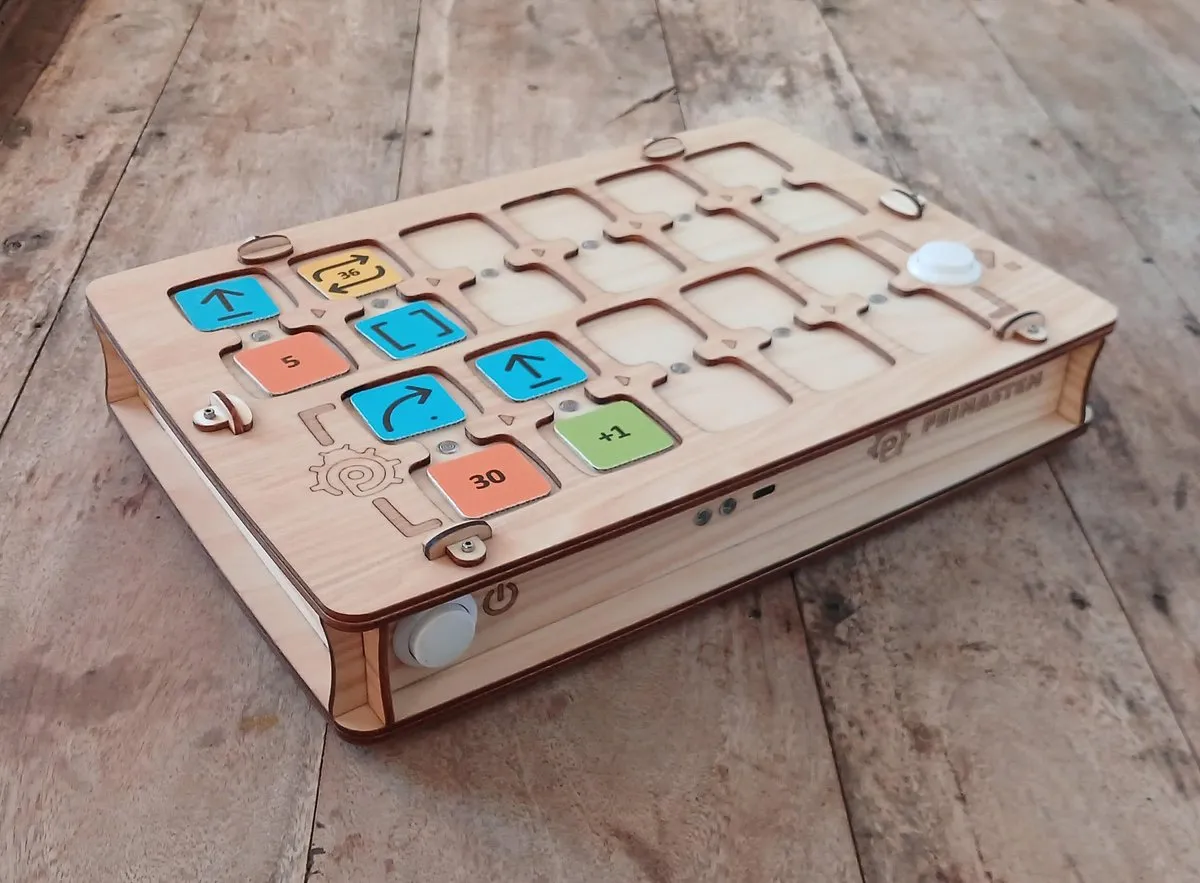
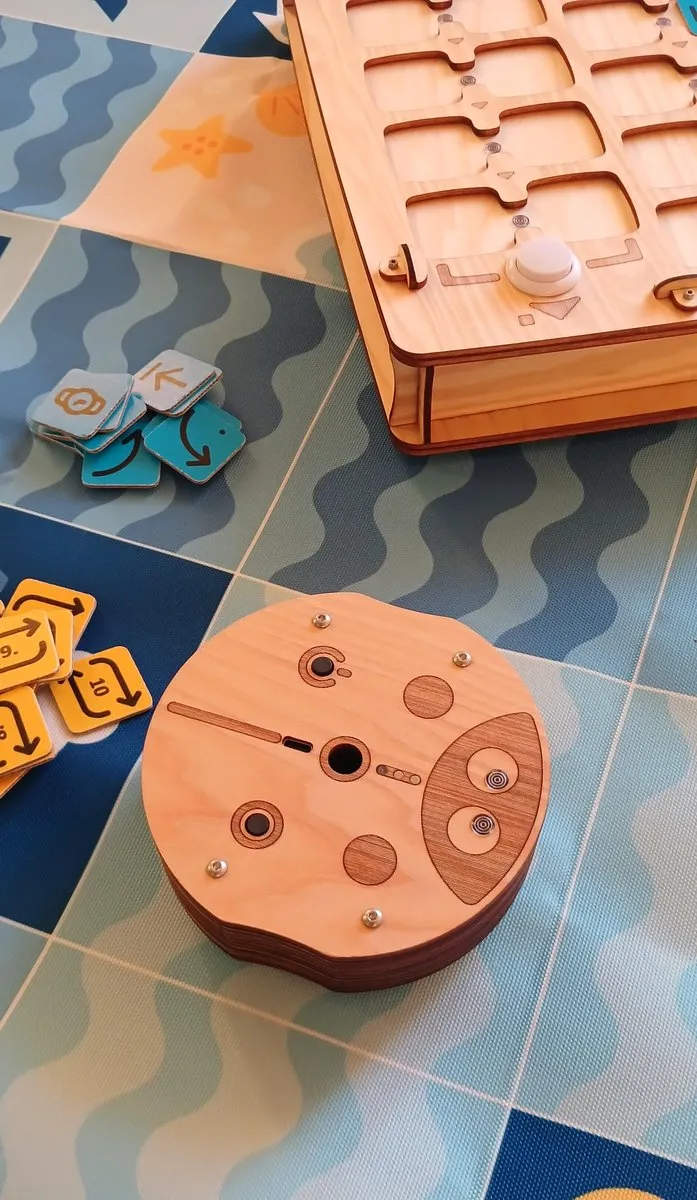
Every token is a standard 13.56 MHz NFC tag. Any tag of the same standard works, they cost pennies and are sold on any marketplace. Take the text code from our documentation and write it with the free NFC Tools app: the whole thing takes 10 seconds. That's how you get your own numbers, loops, and arithmetic operations.
The same tags placed around a game board make the map come alive: language cards, musical fields, quest stories.
What's in the kit
Ladybug robot
- 125 mm diameter
- Wood
- USB-C charging
- approximately 2 hours battery, depending on usage
Control board
- 317 × 217 mm
- Wood
- 11 dual slots
- Bluetooth ~5 m
Command tokens
- 33 × 33 mm, cardboard
- NFC 13.56 MHz
- Scratch color coding
- Writable via phone app
Online Teacher's guide
- Lesson plans online
- Activities & printables
- docs.primastem.com
- 10 languages
Specifications
| Material | Wood |
| Robot | 125 mm diameter, 44 mm H |
| Control board | 317 × 217 mm |
| Tokens | 100 pcs, 33 × 33 mm, cardboard, NFC 13.56 MHz |
| Connectivity | Bluetooth ~5 m |
| Battery | Li-Ion USB-C, approximately 2 hours, depending on usage |
| Default step | 15 cm (any value, adjustable; calibration) |
| Angles | 1°–360° |
| Movement commands | Forward, Backward, Left, Right, Random, Function, Pause |
| Repeats and numbers | repeat 2–999, random repeat 1–6, numbers 1–999 |
| Mathematics | +, −, ×, ÷, √, ^ |
| Slots | 6×2 main + 5×2 function |
| Audio | Voice feedback in 19 languages + sound samples |
| Certification | CE + UKCA |
| Age | 4–10+ |
| Made in | Cannes, France |